Bumble Shadowban: What Bumble Says and What to Do
Is the Bumble shadowban real? What Bumble's own pages say about bans, warnings and appeals, what users report, and how to fix low visibility.
7 min read
In this article
Quick answer
Bumble doesn't acknowledge shadowbans: the word doesn't appear in its help center or Community Guidelines. What Bumble does document is content removal, warnings, bans, a temporary block for unusual behavior, and worse results if you keep deleting and recreating your profile. If you got a notice, appeal it; if you didn't, check your settings, filters and photos first.
What does Bumble actually say about bans?
Here's everything Bumble documents about restricting accounts, with the page it comes from.
| What Bumble documents | What it means | Bumble page |
|---|---|---|
| Content removal | A photo or text that breaks the rules is removed, and you're told | Safety moderation |
| Warning | A formal warning on your account | Content on Bumble |
| Ban | Removed from some or all Bumble Inc. apps | Community Guidelines |
| Internal error 0030-0403-00XX | Bumble detected unusual behavior; it suggests a break and trying again in 24 to 48 hours | Error codes on Bumble |
| Required photo verification | Profiles reported as fake, scam or spam may have to verify; rejected profiles are removed | Safety moderation |
| Repeated resets | Deleting and recreating your account "can actually hurt your chances" | Standing out on Bumble |
Also worth knowing: Bumble says behavior off the app counts (on dates, by text, on other platforms), and moderation mixes human moderators with automated systems.
Some guides quote an older Bumble help page saying there's no automatic shadowban for deleting and recreating your profile. That link now redirects to Bumble's support home page, so I can't check it. The current help center only says repeated deletes can hurt your chances.
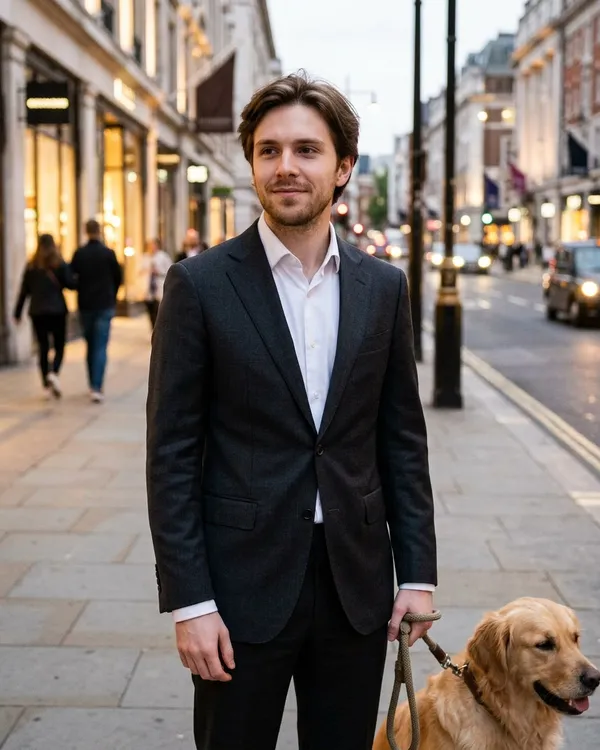
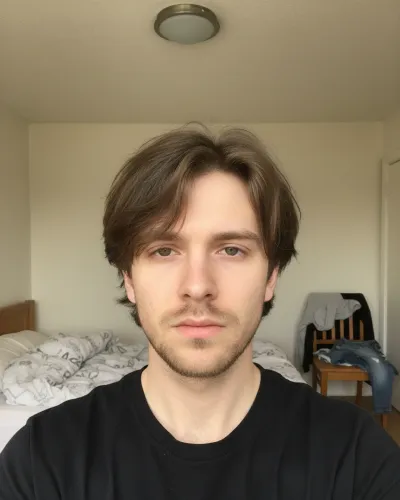
Example: 1 selfie in, profile photos out
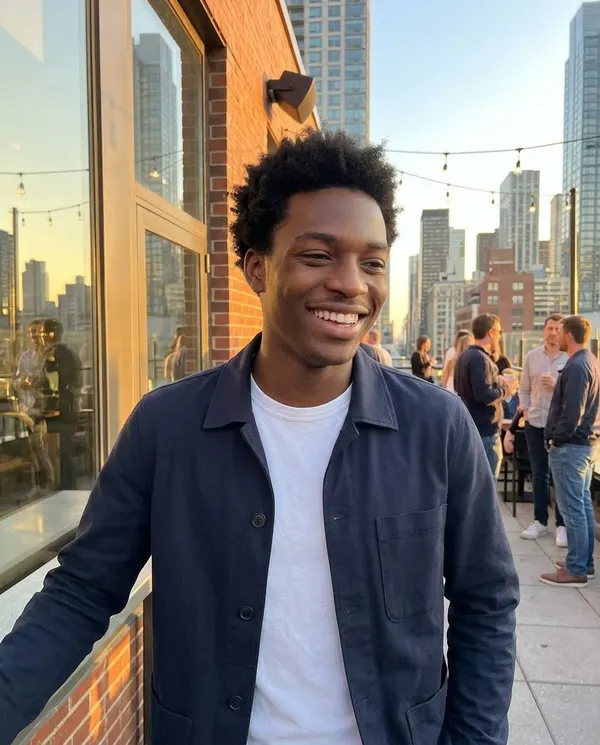
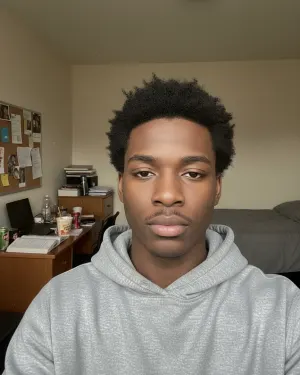
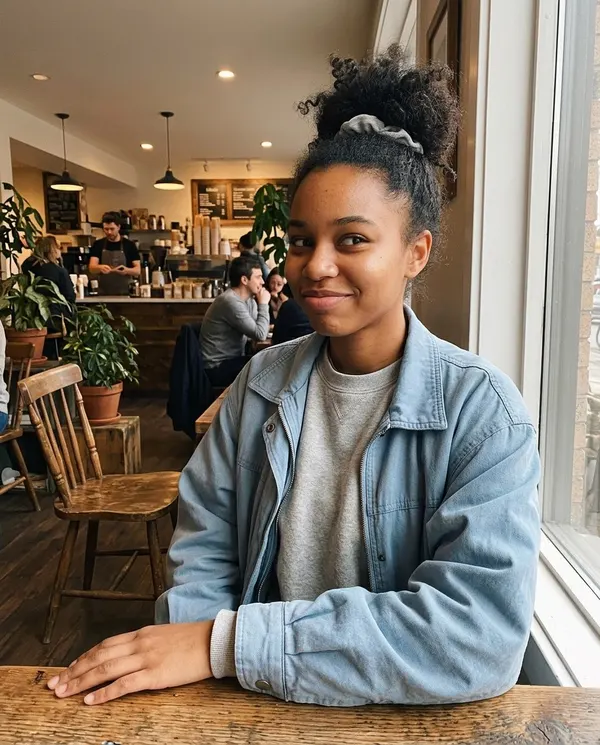
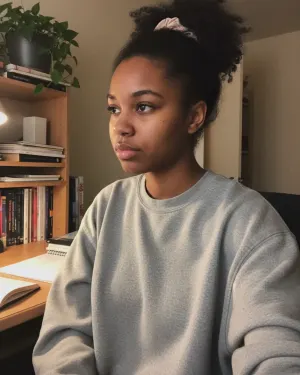
Check these before you call it a shadowban
Before you assume the worst, rule out what hides you or shrinks your pool. All from Bumble's help pages:
- Snooze Mode is on. Snooze hides your profile, and matches without active chats expire while it's on.
- Incognito Mode is on (Premium). Only people you've liked can see you.
- Your filters are tight. Bumble says even small changes to age or distance range can show you new people.
- You're saying no to almost everyone. Bumble's tip is to keep swipe behavior balanced. It doesn't explain how swipes affect who sees you, so any precise claim about that is a guess.
- You keep restarting. Bumble says repeated deletes hurt, and a consistent profile does better.
- Your photos. Bumble's photo feedback (a feature it says it's still testing) flags mirror selfies, sunglasses, near-duplicates, blurry shots and a shirtless first photo.
- Your matches simply expired. Matches vanishing one by one usually means they expired, not a ban: see how long Bumble matches last and how to get them back.
Who gets seen first on Bumble?
This is the part that feels like a shadowban but isn't one. Bumble openly sells visibility. Premium+ promises to prioritize you in people's feeds and to fast-track your likes so people see you sooner. Spotlight pushes your profile to the front of the line for a set time. Beyond that, Bumble doesn't publish how its ranking works.
So if some profiles pay to go first, a free profile with a weak first photo waits further back. That's not a ban. It's a queue, and once someone finally sees you, your first photo decides whether they stop.
If your camera roll is the problem, try realistic AI photos for Bumble made from your own selfies.
What users report
None of this is confirmed by Bumble, but it's what people describe:
- Likes drop to almost nothing while the account looks normal. One user on a complaints site in May 2025 described two or three likes a day, after deleting and reinstalling the app several times. Removing the app doesn't delete your profile, per Bumble, so that alone isn't the reset pattern Bumble warns about.
- Banned with no clear reason. In a 2023 Vice story, a Bumble user who believed a match falsely reported her lost access and said Bumble never replied.
- A great first week, then a slump. Forums often blame a "new user boost" wearing off. Bumble doesn't document any such boost, so I can't confirm it exists.
Our take: a real ban usually shows up as a notice or a locked account. A quiet slump with no notice points first to settings, filters, photos and the queue above. I can't see inside Bumble, so I can't rule out a hidden restriction, but you can fix those four things today. Other apps differ: a Hinge spokesperson told Gizmodo in 2023 that Hinge does shadowban some bad actors (details in our Hinge shadowban guide), while Tinder's side looks more like Bumble's.
What to do if you think you're restricted
- 1
Look for a notice
Open the Help Hub in the app (Profile, then the question mark icon). Bumble says you can check Notifications there for updates on reports and past support chats.
- 2
Appeal through the form
Got a warning or a ban notice? Bumble says the best way to appeal is the appeals form linked in that notification. Read the relevant guideline first, then explain why you think it's a mistake.
- 3
Contact support with your User ID
If you can't reach the form, start a chat in the Help Hub. Jen, Bumble's AI support agent, can pass you to the team. Your User ID speeds things up: Profile, Settings, scroll to the bottom and double-tap the Bumble logo.
- 4
In the EU, know your extra options
Under the Digital Services Act you can appeal within six months, and you can also take the dispute to a certified out-of-court settlement body. Bumble notes their decisions aren't legally binding on either side.
Not banned? Rebuild your visibility
Bumble's own advice reads like a checklist, and most of it is about your profile: recent, clear photos that feature you, a bio that says what you're looking for, up to 3 prompts (Bumble says they double your chance of a match), Photo Verification and looser filters. Bumble's team will even review your profile and send tips if you ask.
Start with photos, since that's what people see first. Run your set through our free dating photo score, then put them in the six-slot order from the Bumble pictures guide or the Bumble profile tips for men. Redo your bio with the Bumble bio generator, or borrow a structure from these Bumble bio examples if it's still a list of adjectives, and give each change a week before you judge it. More tactics in how to get more matches.
Want a fresh start? Don't delete and recreate. Use Snooze Mode for a break; your profile stays as it is. A new account with the same photos would get the same results anyway, so change the photos instead. A new coffee or hiking shot makes an old profile look new, and you can get 3 free photos from your selfies to test the idea.
And if matches go quiet after you message, that's a different problem. Bumble has no read receipts, so silence proves nothing. See Bumble read receipts for what you can and can't tell.
 Written by Wasim · MainPicAbout MainPic →
Frequently asked questions
Does Bumble shadowban people?
Bumble doesn't say it does. The word doesn't appear in its help center or Community Guidelines. Bumble documents content removal, warnings, bans and a temporary block for unusual behavior.
How do I know if I'm shadowbanned on Bumble?
You can't confirm it from the outside. Check the Help Hub for a notice, then rule out Snooze, Incognito, tight filters and weak photos. If nothing changes after a week of fixes, contact support with your User ID.
Can you appeal a Bumble ban?
Yes. Bumble says to use the appeals form linked in the notification you received, or contact support if you can't access it. In the EU, you have six months to appeal under the Digital Services Act.
How long does a Bumble shadowban last?
Bumble doesn't document shadowbans, so there's no official length. It doesn't publish ban lengths either; a ban can cover some or all Bumble Inc. apps. The internal error 0030-0403-00XX is different: Bumble suggests trying again in 24 to 48 hours.
Does deleting Bumble and starting over help?
Bumble says repeatedly deleting and recreating your account can hurt your chances. A deleted account can be restored through support for up to 28 days, and Snooze Mode is the cleaner way to take a break. If you're banned, a new account is ban evasion, which Bumble's Community Guidelines prohibit.
Will Bumble Premium fix a shadowban?
Bumble doesn't say any paid plan lifts a restriction. Premium+ promises to prioritize you in feeds and Spotlight pushes you to the front for a while, per Bumble, but if people see you and still pass, the fix is your photos and profile, not a subscription.
Sources
- Bumble's Community Guidelines (Bumble)
- Content on Bumble (Bumble Support)
- What to Know About Bumble's Safety Moderation (Bumble)
- Error codes on Bumble (Bumble Support)
- Standing out on Bumble (Bumble Support)
- Digital Services Act: Disputes about content removal and account blocks (Bumble Support)
- Ways of contacting us (Bumble Support)
- Taking a break from online dating (Bumble Support)
- Using incognito mode (Bumble Support)
- Deleting your account (Bumble Support)
- Verifying your photos (Bumble Support)
- Receiving feedback on your photos (Bumble Support)
- Understanding Bumble's paid features and subscription plans (Bumble Support)
- User complaint: no likes or matches on Bumble (Sikayetvar, May 2025)
- Banned from dating apps (Vice, 2023)
- Hinge spokesperson on shadowbans (Gizmodo, August 2023)
Keep reading
Bumble Profile Tips for Men: Photos, Prompts, First Message
Bumble profile tips for men, checked against Bumble's own help pages: 6 photos, a 300-character bio, 3 prompts, US verification and the new opening rule.
Read the guide →Bumble Bio Examples: 86 Bios for Guys, Women and More
86 original Bumble bio examples for guys and women, by vibe and situation: funny, serious, 40+, parents, LGBTQ+, new in town. All under 300 characters.
Read the guide →Bumble Extend: How Long Bumble Matches Last (2026)
Bumble matches now last 72 hours, not 24. How Extend works (1 free a day), Rematch and Backtrack, and where Bumble's own pages disagree.
Read the guide →