Bumble Read Receipts: Does Bumble Have Them? (2026)
Does Bumble have read receipts? No, not even on Premium or Premium+. What Bumble does show you, how the 72-hour timer works, and what to do while you wait.
6 min read
In this article
Quick answer
No. Bumble doesn't have read receipts on the free app, Boost, Premium or Premium+, so there's no setting to turn on or off. Bumble's help center says it doesn't show read receipts, online status or activity status, on purpose, to keep chats low-pressure.
Does Bumble Premium or Premium+ unlock read receipts?
No. Here's what each tier actually adds, according to Bumble's page on paid features. Read receipts aren't on any of the lists.
| Tier | What it adds (per Bumble) | Read receipts? |
|---|---|---|
| Free | Matching, chat, one free Extend a day | No |
| Boost | Unlimited likes, 5 SuperSwipes and 1 Spotlight a week, unlimited Extend, Rematch, Backtrack | No |
| Premium | Everything in Boost, plus see who liked you, advanced filters, Incognito, Travel Mode | No |
| Premium+ | Everything in Premium, plus photo insights, likes seen sooner, priority in feeds, 2 Notes, 10 SuperSwipes and 2 Spotlights a week | No |
So any site promising a hidden setting or paid unlock is wrong. And never hand your Bumble login to a third-party app that claims it can "see if she read it."
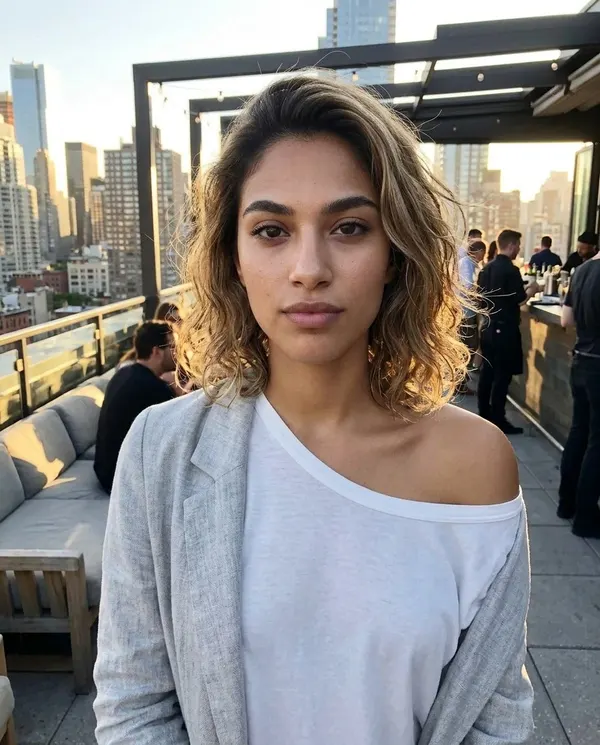
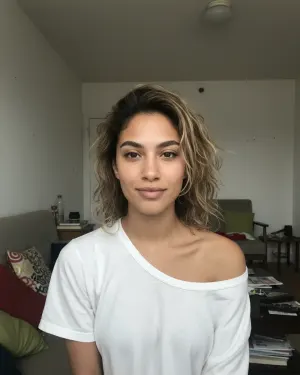
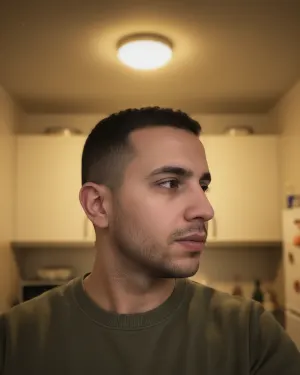
Example: 1 selfie in, profile photos out



Why doesn't Bumble have read receipts?
Bumble says it's a choice. It wants conversations to feel comfortable and low-pressure, so it leaves out read receipts and activity status. Its Incognito page adds that there's no "active now" or "last seen" indicator for anyone, whether Incognito is on or not.
Our take: this works in your favor, even at 11 p.m. A "Seen 9:14" stamp would only give you something to obsess over. Put that energy into what you control: the message, and the profile behind it. Hinge made the same call, by the way: Hinge has no read receipts either, even on HingeX.
What Bumble does show you
No read receipts doesn't mean zero signals. These are the ones Bumble documents:
- A reply. The only real proof they read it.
- An unmatch notice. If someone unmatches you, Bumble tells you they ended the chat. The conversation stays visible so you can still report them.
- The 72-hour timer. Under Bumble's current system, you each get one opening message, and the chat fully opens once the other person replies. If you write first, they have 72 hours to answer. If nobody writes within 72 hours of matching, the match expires and the circle around their photo turns gray.
- A match that vanished. Usually it expired. It can also mean the person deleted their account or was blocked by Bumble for breaking its guidelines.
- Your own unread filter. You can filter Chats to show unread messages. That's your unread, not theirs.
Heads up if you read older guides: Bumble's help center now says Opening Moves are no longer part of the experience and that both people get one opening message. If your app still shows Opening Moves, go by what your app shows.
No recent photos you like? You can create AI Bumble photos from 3 selfies, then mix them with real shots.
Can you tell if someone read your message on Bumble?
Not with certainty. No reply after a day could mean they're busy, still thinking, or not opening the app much, as Bumble's help page points out. If you wrote first, they have 72 hours to answer. Silence until that window closes tells you they didn't reply in time, not whether they read it.
What about the three dots? Some guides, like Guiding Tech and Appuals, say Bumble shows a typing indicator in the chat. Bumble's help center doesn't mention one, so I can't confirm it. Even if you see dots, they only say someone is typing right now, not that they read your earlier messages.
Two details people miss. You can edit your opening message once within 5 minutes of sending it, and the edit doesn't reset any timer. After that, messages can't be deleted one by one. Unmatching removes the chat on your side only; the other person keeps their copy.
What to do while you wait
- 1
Send one opener worth answering
Ask about something specific in their photos or prompts. Bumble may nudge you to make a plain "hey" more personal. Our opener generator gives you ideas, and these Tinder first message examples work on Bumble too.
- 2
Don't triple-text
Bumble's own advice on ghosting: one follow-up is enough if you want clarity. A stack of unanswered messages reads as pressure.
- 3
Use Extend if you need time
Everyone gets one free Extend a day, which gives a match an extra 72 hours. Boost, Premium and Premium+ members get unlimited Extends.
- 4
Fix the part you control
Bumble says profiles with more details, like bios, prompts and photos, see over 3x better chat outcomes. That's Bumble's number, not mine. More ideas in how to get more matches.
If your first message was a plain "hey," swap in one of these Bumble opening lines next time, built around one detail and one easy question. If the clock is about to run out, here's how Bumble Extend and Rematch work under the new 72-hour rules.
Where your photos come in
Without read receipts, your profile does the work. A clear, recent first photo, plus one or two shots with a question built in (a trail, a dog, a pan on the stove), hands the other person an easy reply. The Bumble profile tips for men lay out a full six-photo set, and these common photo mistakes are worth a two-minute check.
Not sure which photo should lead? Run your set through our free dating photo score. If you have zero conversation-starter photos, browse our hiking and dog styles, or get 3 free photos from your selfies and see if any belong in your lineup. For the words, the Bumble bio generator writes a first draft in seconds.
 Written by Wasim · MainPicAbout MainPic →
Frequently asked questions
Does Bumble have read receipts?
No. Bumble's help center says it doesn't show read receipts when you send or receive a message, and it doesn't show online or activity status. That applies to free and paid accounts.
Does Bumble Premium show if someone read your message?
No. Boost, Premium and Premium+ add things like unlimited likes, Extend, Liked You, Incognito and Spotlights, but none of them include read receipts.
Can you see if someone is online or typing on Bumble?
There's no "active now" or "last seen" indicator on Bumble. The closest thing is a "Recently active" tab on the Premium Liked You page, which only covers people who already liked you. Some guides mention typing dots in chats, but Bumble's help center doesn't document a typing indicator.
Does Bumble tell you when someone unmatches you?
Yes. Bumble says it lets you know when someone ended the chat, and the conversation stays visible so you can report them if their behavior was inappropriate.
Can you unsend a message on Bumble?
Not one by one. You can edit your opening message once within 5 minutes of sending it. Otherwise, unmatching removes the chat on your side, but the other person keeps their copy.
Why did my Bumble match disappear?
Most often the match expired after 72 hours without an opening message. It can also mean they unmatched you, deleted their account, or were blocked by Bumble for breaking its guidelines.
Sources
- Your conversations (Bumble Support)
- Understanding Bumble's paid features and subscription plans (Bumble Support)
- Pricing information for paid features (Bumble Support)
- Using incognito mode (Bumble Support)
- How conversations start on Bumble (Bumble Support)
- Expired matches (Bumble Support)
- Matches that have disappeared (Bumble Support)
- Viewing who's liked you (Bumble Support)
- Understanding ghosting in online dating (Bumble Support)
- Does Bumble have read receipts? (Guiding Tech, user-facing guide)
- Does Bumble have read receipts? (Appuals, user-facing guide)
Keep reading
Bumble Shadowban: What Bumble Says and What to Do
Is the Bumble shadowban real? What Bumble's own pages say about bans, warnings and appeals, what users report, and how to fix low visibility.
Read the guide →Bumble Profile Tips for Men: Photos, Prompts, First Message
Bumble profile tips for men, checked against Bumble's own help pages: 6 photos, a 300-character bio, 3 prompts, US verification and the new opening rule.
Read the guide →Bumble Bio Examples: 86 Bios for Guys, Women and More
86 original Bumble bio examples for guys and women, by vibe and situation: funny, serious, 40+, parents, LGBTQ+, new in town. All under 300 characters.
Read the guide →