Why a wedding guest photo works
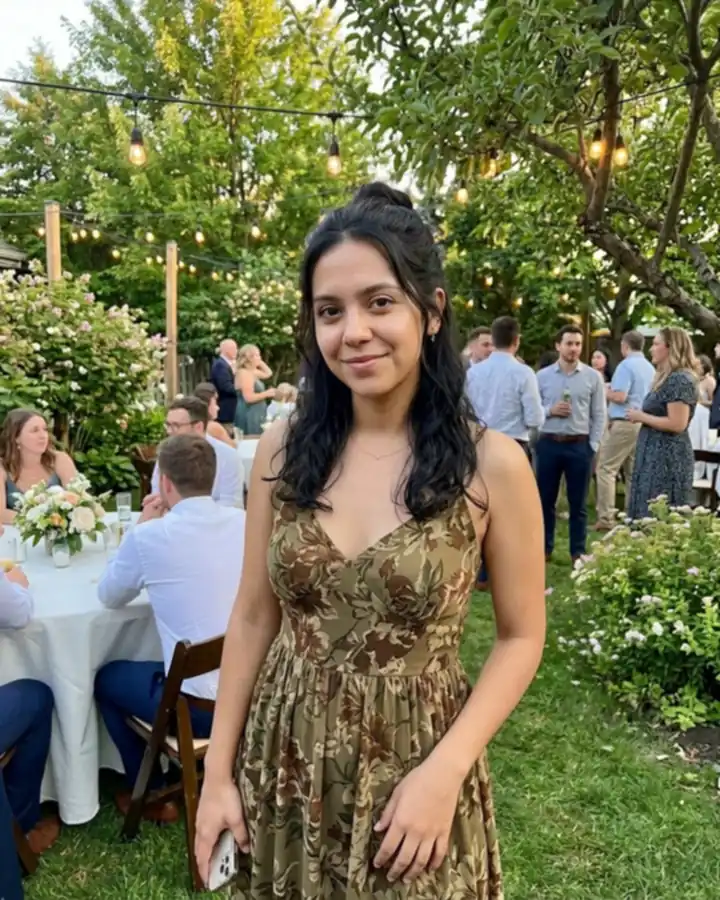
You're well dressed, you've made an effort with hair and grooming, and the setting is usually beautiful: gardens, old venues, warm evening light.
It also shows you have friends and family who want you there. That's a quiet signal, but people pick up on it.
How to shoot it yourself
- The best moment is the cocktail hour before dinner. Good light, you're still fresh, and everyone is relaxed.
- Find open shade or golden-hour sun: under a tree, by a wall of greenery, on a terrace. Avoid the dance floor lights.
- Men: a suit that fits, tie loosened or off for a few shots. Not a black tux that makes you look like the groom.
- Women: a dress with color. Never white, cream, or anything that could look bridal.
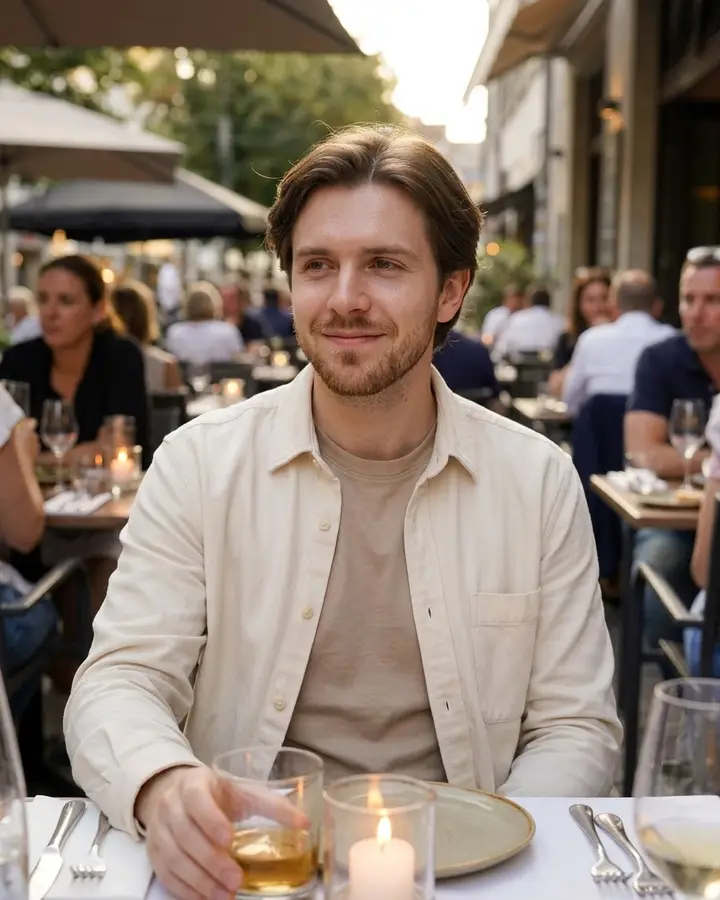
- Pose: laughing at a high table with a drink in hand, walking across the lawn, or sitting at your table turned toward the camera.
- Who shoots: a friend, or the wedding photographer's candids if you show up in any. Those can be the best photos you'll ever have.
- Ask the couple before using a professional photo, and never use one where they're the focus.
Wedding photo mistakes to avoid
- Leaving the couple in the frame. Crop them out completely. Even an elbow in a white sleeve raises questions.
- Looking like the groom or the bride: white outfit, boutonniere matching the wedding party, posing alone at the altar.
- A groomsman or bridesmaid lineup where you're one of eight people dressed the same.
- Late-night dance floor shots: tie around the head, shoes off, sweat.
- Several wedding photos. One is a highlight. Three and people wonder if you're the photographer.
If it's AI-generated, make it a guest moment
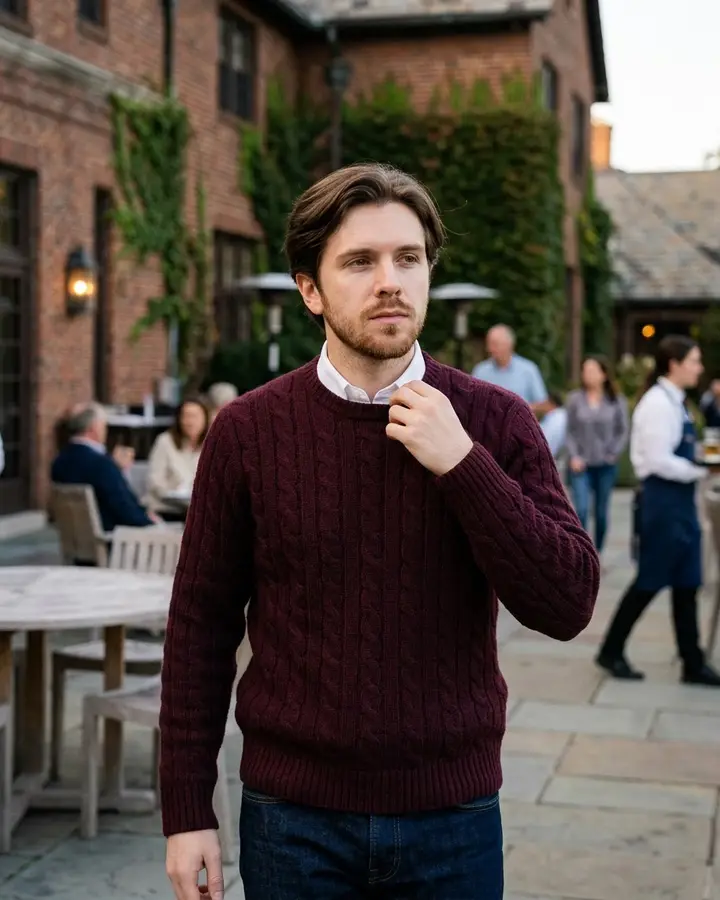
Generate cocktail hour in a garden, a terrace at sunset, a reception table. No altar, no flower arch behind you, no rings in focus.
Choose an outfit that's clearly a guest outfit: a colored dress, a suit with a normal tie. Then check the people in the background, because AI sometimes slips a bride in white somewhere behind you, and that ruins the whole photo. Keep it to one wedding scene, in clothes you'd actually wear.