Grindr Profile Pictures: Rules, the Grid and AI Photos
Grindr profile pictures, based on Grindr's own rules: what's allowed, how to win the grid thumbnail, face or no face, and why AI photos of you are out.
9 min read
In this article
Quick answer
On Grindr your main photo is a small square in a grid of the people nearest you, so it needs one clear subject, good light and a tight crop. Grindr allows shirtless and underwear shots but bans explicit nudity, watermarks, any image of a minor and AI-generated images passed off as you, so post real photos you took.
Grindr is a photo app with a chat attached. There are no prompts to carry you, and the About Me field stops at 225 characters. People open the app, see a grid of squares, and tap the ones that catch their eye. That square is your whole pitch.
So this guide covers what Grindr allows, straight from its guidelines and help center, and how to make a photo work at thumbnail size. Then AI photos, where the honest answer isn't the one most AI photo sites give, including ours.
How the Grindr grid changes what a good photo is
By default the grid shows the users closest to you, plus anyone using Boost. Grindr's help center says free users can view dozens of nearby profiles, XTRA users up to a subset of 500, and Unlimited users all of them. Your competition is the people a few streets away, and you all show up as the same small square.
On Hinge someone reads your profile. On Grindr they judge a thumbnail mid-scroll. A photo that looks great full screen can turn into a beige blur in the grid.
- One subject. Just you. Group shots are unreadable at that size.
- Fill the square. Chest up, or head and shoulders. A full-body shot from far away becomes a stick figure.
- Contrast. Dark shirt on a light wall, or the reverse. Avoid busy backgrounds that blend into your hair or skin.
- Crop it yourself. When you upload, Grindr asks you to choose the thumbnail other users will see. Use that step instead of accepting the default.
One more grid detail. Anyone can filter the grid by photo: any photo, face photo or albums. A torso as your main photo can quietly drop you out of every grid where someone has that filter on.
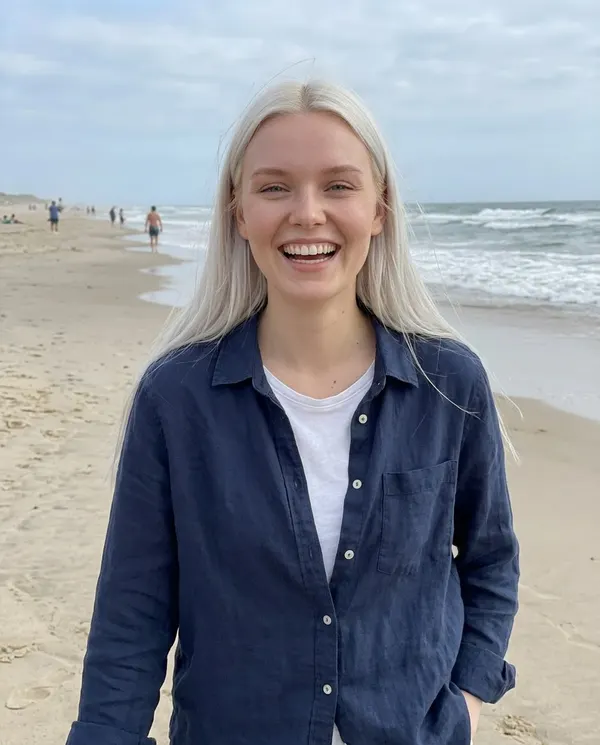
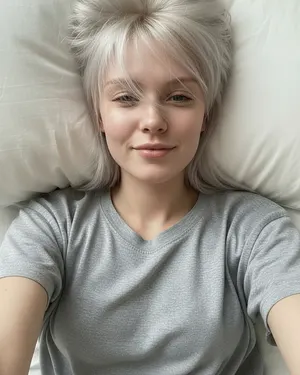
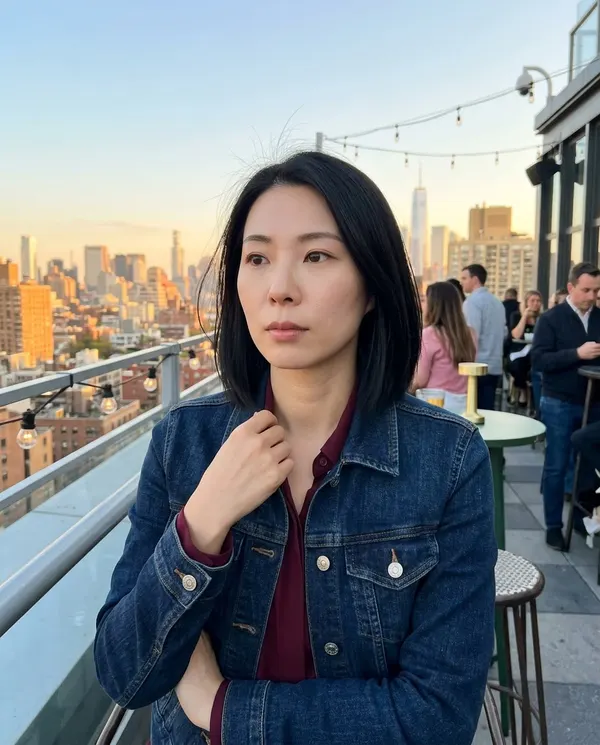
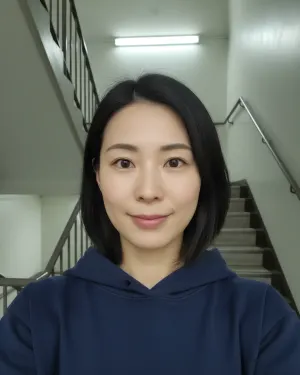
Example: 1 selfie in, profile photos out
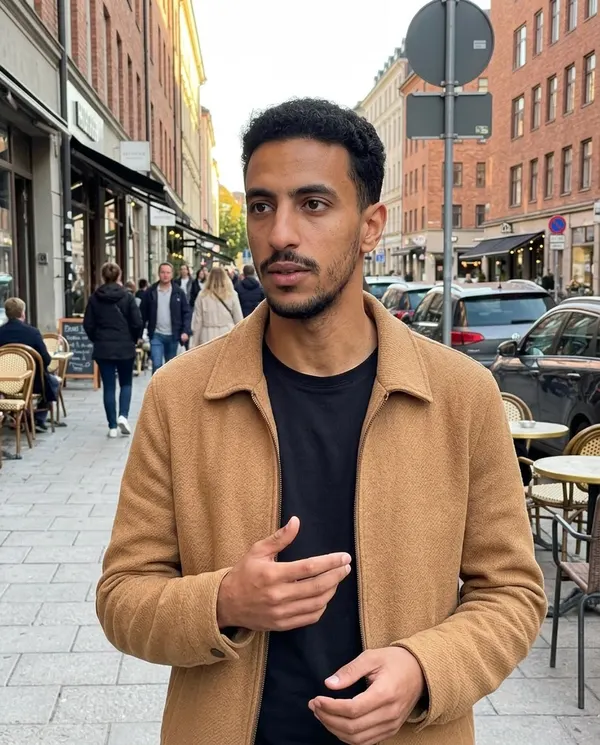
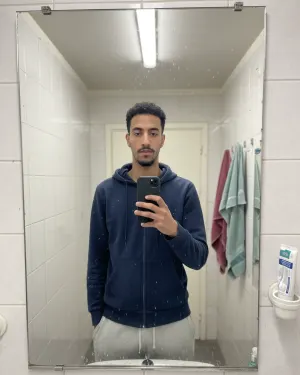
What does Grindr allow in a profile photo?
Grindr's public profile rule fits in one line: images must be of you, and can't be pornographic, violent or illegal. Nudity belongs in chats and albums, not on your profile. Here's the detail, in Grindr's own terms.
| Allowed on your public profile | Not allowed |
|---|---|
| Shirtless photos (men and nonbinary people can show nipples) | Women's nipples, which Grindr says app store policies force it to ban |
| Underwear photos | Exposed genitals or other explicit nudity |
| Non-pornographic sexual poses | Sex acts, real or mimicked, clothed or unclothed |
| Some butt photos, if non-graphic and not overly sexual | Porn hidden behind filters or scribbles, if you can still tell what it is |
| Creative content that doesn't show your face, including your own drawings | Images that aren't of you, celebrities, or other people without their consent |
| Digital illustrations based on real images of yourself | Deepfakes, synthetic or AI-generated images passed off as being you |
| Photos of you, any body type or amount of body hair | Watermarked or copyrighted images, ads, and minors in any context, even blurred or in the background |
Moderation is a mix of automation and human review, and Grindr's help center says a new photo typically takes 20 to 45 minutes to clear. It also says its photo policies are consistent regardless of gender, body type or race.
The rule that catches people off guard is minors. Grindr allows no images of minors in any context, even blurred or in the background. That vacation beach photo with kids in the distance will get rejected. Crop them out or pick another photo.
Face pic or no face pic?
Grindr doesn't require a face photo. Its help center says you can use a photo of yourself that doesn't show your face, or skip a public photo entirely. That's deliberate: plenty of people aren't out, work somewhere they can't be seen, or live where being LGBTQ is dangerous. A no-face profile is a normal, legitimate choice on Grindr. Nobody owes the grid their face.
The trade-off is real though. A headless torso looks like every other headless torso within a mile, and some people filter for face photos only. Grindr's own trust advice tells users to be suspicious of someone who won't send face photos even privately, or whose photos look extremely filtered, blurry or unclear.
My take: if you can show your face, show it. If you can't, make the no-face photo specific to you, and have a face pic ready for chat.
- Partial face. A smile and jawline, eyes out of frame. Still reads as a person, not a body part.
- Back turned. If you're just shy, a trail or a kitchen you actually cook in adds personality. If you need to stay hidden, Grindr's own advice is to keep out tattoos, furniture, home decor and scenery someone could recognize.
- Something you made. Grindr explicitly allows creative content and drawings you made yourself.
- A photo nobody else has seen. Grindr's help center says to use a unique photo, because one that's also on your social media is easy to find with a reverse image search. It also suggests clearing a photo's metadata (location, date, time) before sharing. If discretion matters, think twice before adding the optional Instagram or Facebook link to your profile.
Short on good pictures? Here's how AI profile pictures for dating apps work, made from your real face.
How to fill your 5 photo slots
You get up to 5 photos. Grindr's help center says each must be “smaller than 1MB, or 1028p x 1028p” (their numbers). Phone photos are usually bigger, so shrink yours with our free dating photo resizer before uploading. Five is enough to answer the question everyone types anyway: more pics?
- 1
Main photo: clear and close
Chest up, daylight on your face, camera at eye level. No sunglasses. Going no-face? This is your most distinctive no-face shot. More in the best first photo for dating apps.
- 2
A full or half body shot
Clothed or shirtless, your call, within the rules above. It saves you ten messages asking what you look like.
- 3
You doing something
Gym, climbing, cooking, a show, your dog. It gives people an opener that isn't “hey”. Our fitness photo page has a how-to-shoot-it-yourself section that works without a mirror.
- 4
A social or travel photo
Fine with friends, as long as you stand out and they're happy to be in it. Grindr bans images of people without their consent. Beach shots work here too; see beach photo tips for what to skip.
- 5
A recent one
Something from this month. Photos taken with Grindr's in-app camera get a “Taken on Grindr” badge that shows how recently they were taken.
Two Grindr mechanics worth knowing. Upload a new photo and you count as Fresh for 24 hours, as long as you've been online in the past hour, so you show up for people using that filter. And Taken on Grindr only proves someone logged into Grindr took the photo. Grindr says it's there to help build trust, and still tells you to follow its trust tips before meeting anyone.
Do
- Face a window or stand in open shade
- Prop your phone and use the rear camera with a timer
- Crop the thumbnail on purpose when you upload
- Keep photos recent: same hair, same beard
- Keep nudes for chats and albums
Don't
- A gym mirror selfie with the flash in it
- Sunglasses and a cap in every photo
- Kids in the background, even tiny
- Anything with a watermark
- A photo from five years ago
For angles that don't feel stiff, see how to pose for dating photos. For the classic ways a good profile gets wrecked, see dating profile photo mistakes.
Can you use AI photos on Grindr?
Not as photos of you. Grindr's guidelines ban “deepfakes, synthetic, or AI-generated images passed off as being you” anywhere on the app. Grindr's moderation page adds that profiles suspected of using fake photos have to pass photo verification to keep using the app.
Read plainly, that covers realistic AI photos of you, including the ones MainPic makes. We'd rather tell you that here than have a moderator tell you later. On Grindr, post real photos you took.
The one exception, in Grindr's words: “digital illustrations based on real images of yourself are fine”. An obvious illustration of you is allowed. A realistic AI photo of you is what they ban.
What to use instead: free tools for your real photos
You don't need AI to get a better Grindr photo. Put your shortlist of real photos in order with the photo ranker, and run a free technical check (light, sharpness, size) with the dating photo score. Both run in your browser. A dark shot can often be rescued with the photo enhancer.
On Tinder, Hinge or Bumble too? Those apps judge AI photos differently: Hinge, for example, bans AI content used to mislead rather than AI images as such. Check what each one allows in are AI dating photos allowed before you use AI photos anywhere, and see how many photos each app takes.
 Written by Wasim · MainPicAbout MainPic →
Frequently asked questions
Do you need a face pic on Grindr?
No. Grindr's help center says it doesn't require face photos, and you can choose not to use a public photo at all. A face photo does help, though: some people filter the grid to face photos only, and Grindr's safety advice tells users to be wary of profiles that won't share a face photo even privately.
Can you post shirtless or underwear photos on Grindr?
Yes. Grindr allows underwear photos, non-pornographic sexual poses and some non-graphic butt photos on public profiles. Men and nonbinary people can show their nipples. Exposed genitals, sex acts and porn hidden behind filters are not allowed.
Are AI photos allowed on Grindr?
Not as photos of you. Grindr's Community Guidelines ban deepfakes, synthetic or AI-generated images passed off as being you. Digital illustrations based on real images of yourself are allowed.
How many photos can you have on Grindr?
Up to 5. Grindr's help center says each photo must be smaller than 1MB, or 1028p x 1028p, and you choose the thumbnail people see in the grid.
Why was my Grindr photo rejected?
The usual reasons are explicit nudity, a minor anywhere in the image (even blurred in the background), a watermark, a photo that isn't of you, other people without their consent, or ads. Review typically takes 20 to 45 minutes.
How long does it take for a Grindr photo to be approved?
Grindr's help center says a new profile photo typically takes 20 to 45 minutes to clear moderation, which combines automated checks and human review.
Sources
- Community Guidelines, Grindr (checked 2026-11-25)
- Profile photos, Grindr Help Center (checked 2026-11-25)
- No Shirt, No Shorts, No Problem: Grindr Now Allows (Some) Butts, Grindr blog (checked 2026-11-25)
- The Grid, Grindr Help Center (checked 2026-11-25)
- Filters, Grindr Help Center (checked 2026-11-25)
- Fresh, Grindr Help Center (checked 2026-11-25)
- Establishing trust, Grindr Help Center (checked 2026-11-25)
- Taken on Grindr, Grindr Help Center (checked 2026-11-25)
- How Grindr moderates content and profiles, Grindr Help Center (checked 2026-11-25)
- How to Build Your Profile, Grindr Help Center (checked 2026-11-25)
Keep reading
Tinder Bios: 70 Examples for Guys and Girls (+ Funny Ones)
70 Tinder bio examples for guys and girls: funny, short, serious and by hobby, plus Tinder's own 15 to 45 word advice and a 4-step method.
Read the guide →Tinder First Message: 60 Examples Better Than 'Hey'
Tinder first message examples that get replies: 60 openers based on photos, bios and prompts, a 3-part method, follow-ups, and what Tinder's rules allow.
Read the guide →How to Delete a Photo on Hinge: Steps, Fixes, Top Photo
How to delete a photo on Hinge: the exact path, why the app blocks you at the photo minimum, how to swap and reorder photos, and what Top Photo changes.
Read the guide →