Best Photo Editing Apps for Dating Profile Pictures (2026)
Best photo editing apps for dating profile pictures: Snapseed, Lightroom, VSCO, Facetune and free browser tools. What each fixes, costs, and where to stop.
8 min read
In this article
- 1.The short list
- 2.Snapseed: the best free all-rounder
- 3.Lightroom mobile: best for light and color
- 4.VSCO: best for a consistent look
- 5.Facetune: powerful, and that's the problem
- 6.Our free tools, and which ones upload your photo
- 7.Where editing becomes misleading
- 8.An editing order that works
- 9.When editing isn't enough
Quick answer
For most dating photos, Snapseed is the best free editor: it's made by Google and its App Store listing promises no subscriptions, ads or watermarks. Lightroom is better for precise light and skin tone, VSCO for a subtle consistent look, and Facetune only for tiny fixes like a stray hair. Fix light, color, crop and distractions; never reshape your face or body.
Most dating photos don't need an app. They need better light and a friend willing to take ten shots. But when a photo is almost right, a few minutes of editing can save it. The hard part is knowing where fixing a photo ends and faking it starts, because that line is exactly where first dates go wrong.
The short list
| App | Cost | Use it for |
|---|---|---|
| Snapseed | Free, no subscription, ads or watermark | Light, color, crop, small spot fixes |
| Lightroom mobile | Free app; Premium from $6.99/month or $49.99/year (100GB) | Precise light and skin tone |
| VSCO | Free Starter tier; Pro $59.99/year or $12.99/month | A subtle look that matches across photos |
| Facetune | Free download; in-app plans from $5.99 to $77.99 | Tiny touch-ups only |
| MainPic free tools | Free, no account | Quick fixes in your browser, plus 3 AI tools |
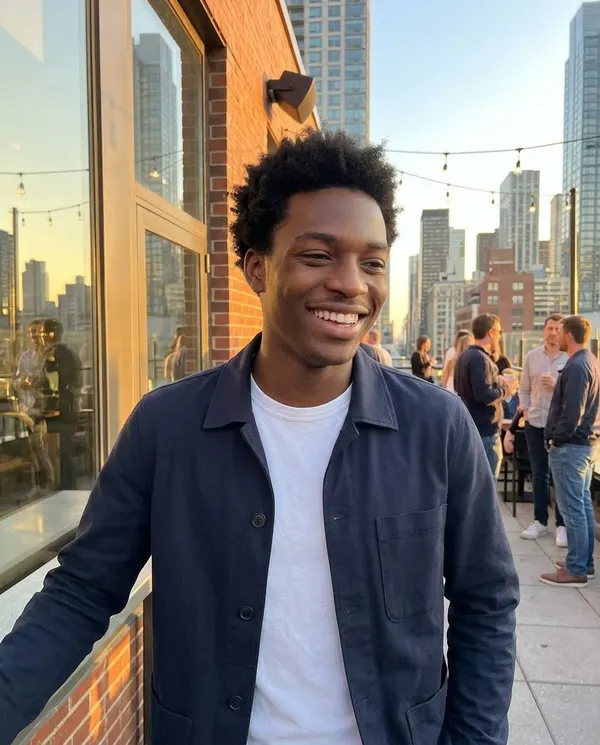
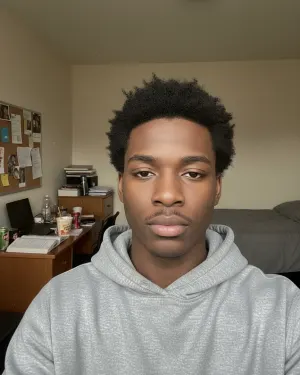
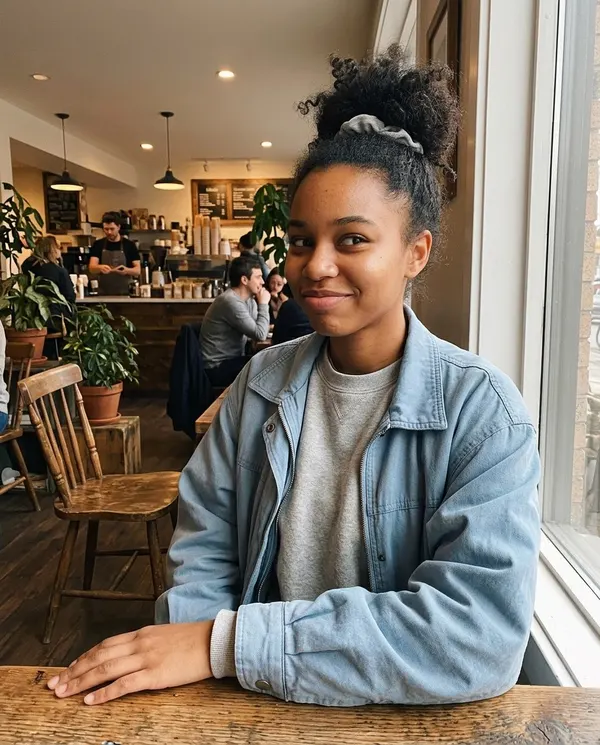
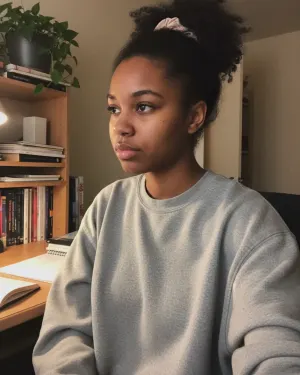
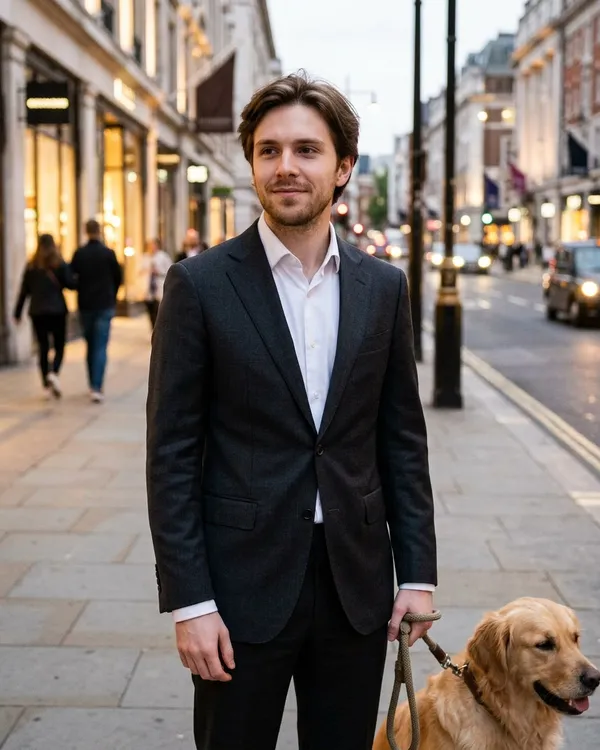
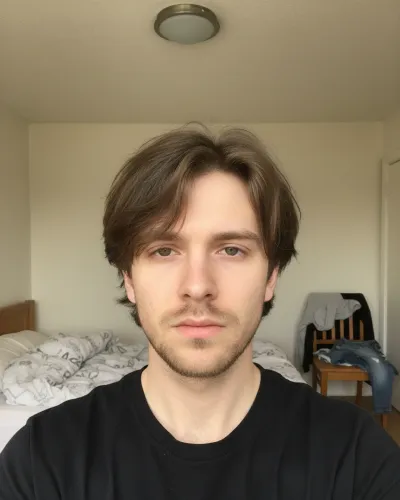
Example: 1 selfie in, profile photos out
Snapseed: the best free all-rounder
Snapseed is Google's photo editor, and it's still free. The App Store listing promises "30+ pro tools and filters" with "no subscriptions, purchases, ads, or watermarks". For a dating photo that's hard to beat.
The useful tools are the boring ones. Exposure and white balance fix a dim bar photo or yellow kitchen light. Crop puts your face where people look. Healing removes small distractions, like a stranger at the edge of the frame or a cup on the table.
There's also a Portrait tool that, per the listing, can "enhance lighting, adjust poses, and refine facial features". Lighting your face better: yes. Refining your features: that's the first step toward a photo that doesn't match you. Light, yes. Face, no.
Lightroom mobile: best for light and color
Adobe Lightroom is a free app on iOS and Android with paid plans inside. On the US App Store, Premium was listed at $6.99 a month or $49.99 a year with 100GB of storage, alongside cheaper 40GB tiers. The listing also describes AI tools like Generative Remove and Background Blur.
Where it shines: getting skin tone right. A photo where your skin looks orange or gray feels off even when nobody can say why, and Lightroom gives you fine control over it.
Overkill if: you're editing three photos once. The free version, or Snapseed, covers that.
VSCO: best for a consistent look
VSCO's free Starter tier comes with 15 presets. Pro was $59.99 a year or $12.99 a month on its plans page, with 200+ presets and AI tools such as AI Remove. When I checked, the page also showed a 50% Black Friday code valid until December 4, 2026, so look at what you'll be charged after it.
For dating, VSCO's value is consistency. One light preset across all your photos makes the profile feel like one person on different days, not six photos from six apps. Keep it light. Heavy film looks with crushed shadows and green tints say Instagram, not "me on a Sunday".
Facetune: powerful, and that's the problem
Facetune, by Lightricks, is free to download with paid plans in the app; the US listing showed in-app purchases from $5.99 to $77.99, without billing periods. Its listing covers skin smoothing, reshaping facial features, teeth whitening, hairstyle try-ons, virtual makeup, AI headshots and background removal. If you start a trial, put the end date in your calendar.
Facetune is the app here most likely to turn a dating photo into a misrepresentation. Reshaping and smoothing are what many people install it for, and they're exactly the edits behind "you look different from your photos".
Used carefully, it's handy. A stray hair. A shiny forehead. A little teeth whitening. My rule: if you'd notice the edit in a mirror, don't make it.
If your camera roll is the problem, try realistic AI profile photos made from your own selfies.
Our free tools, and which ones upload your photo
MainPic has free tools for these small dating photo fixes. No app, no account. Most run entirely in your browser. Three use AI on our provider's servers, and I'd rather you know which is which:
- Photo enhancer (in your browser): auto light, contrast, color and warmth, plus sliders. It won't make a blurry photo sharp.
- Blur background (in your browser): a portrait-mode effect for any photo of a person. Edges around fine hair can look rough.
- Remove background and change background (in your browser): cut yourself out, or swap a messy background for white or a plain color. Great for LinkedIn; on a dating profile, a plain backdrop reads as a headshot, so use it once at most.
- Remove object (AI, uploads the photo): type what should disappear, like "person on the left" or "trash can", and it fills the gap.
- Image upscaler (AI, uploads the photo): makes a small or slightly soft photo bigger and crisper.
- Photo restoration (AI, uploads the photo): cleans up an old or damaged photo. Fine for a throwback, not for your lead photo.
The three AI tools send your photo to our AI provider, fal.ai, for processing, and share a limit of 3 free uses a day. Only upload photos you're comfortable having processed by a third party.
Where editing becomes misleading
The line isn't edited versus unedited. Every phone already processes every photo. The line is whether the person who meets you would feel misled.
Do
- Fix exposure and white balance
- Crop so your face is easy to see
- Remove a stranger or a trash can behind you
- Blur a messy background
- Sharpen a slightly soft photo
- Remove a spot or a stray hair
Don't
- Reshape your jaw, nose, waist or arms
- Smooth your skin until the pores vanish
- Change your eye color or your hairline
- Edit out glasses you wear every day
- Polish a photo that's years old
- Stack a beauty filter on top of everything
Tinder's guidelines say "Don't create a fake account or pretend to be someone you're not", and Bumble rules out photos so distorted "it cannot be clearly determined that you're the person in the photos". Edits that change your face or body drift toward both. Tellingly, Tinder's own Photo Enhance tool, tested in select markets, fixes blur and brightness and then runs a check that the enhanced photo still looks like you. That's the line, drawn by the app itself. The app-by-app rules, AI photos included, are in are AI dating photos allowed.
An editing order that works
- 1
Pick the right photo first
Recent, face clearly visible, a real expression. Editing a weak photo gives you a polished weak photo.
- 2
Crop
Cut dead space so your face and shoulders take up more of the frame.
- 3
Fix light and color
Brighten a dark photo, warm a cold one, and check your skin looks like your skin.
- 4
Remove one distraction
A stranger, a trash can, a mess on the table. One, not ten. Big removals leave smudges.
- 5
Compare with the original
Put the edit next to the original. If you can't decide which is better, keep the lighter one. Then run your picks through the free dating photo score, a technical check of light, sharpness and size.
When editing isn't enough
Editing fixes a photo you have. It can't fix not having one. If your camera roll is bathroom mirror selfies and group shots where you're half cropped, no slider will help. You need a friend and an afternoon, or new photos made from your selfies.
That second route is what MainPic does: you upload 3 selfies, get 3 free photos (watermarked, no card), and if you like them, pay once ($24.99 for 60, $39.99 for 120) for photos in scenes like a coffee shop or a rooftop. If none of your paid photos look like you, email us within 14 days: we redo them free, and refund you in full if they still don't. Other options are compared in the best AI dating photo generators, and if you were thinking of the app everyone mentions, read Remini for dating photos first.
 Written by Wasim · MainPicAbout MainPic →
Frequently asked questions
What is the best free photo editing app for a dating profile?
Snapseed. It's made by Google, and its App Store listing says it has no subscriptions, purchases, ads or watermarks. It covers what a dating photo usually needs: light, color, crop and small spot removal.
Is it OK to edit dating profile pictures?
Yes, within reason. Fixing light, color, crop and background distractions is normal. Changing your face shape, body, skin texture or age is where it becomes misleading, and it tends to backfire on the first date.
Should I use Facetune on my dating photos?
Only for tiny fixes, like a stray hair, a shiny spot or slight teeth whitening. Its reshaping and smoothing tools are the ones most likely to make you look different from your photos.
Can an app make a blurry dating photo sharp?
Basic editors can't really. An AI upscaler, like our free image upscaler, can make a small or slightly soft photo crisper, but a badly blurred photo is better retaken.
Do MainPic's free tools upload my photo?
Most don't: the photo enhancer, blur background, remove background and change background tools run in your browser. The remove object, image upscaler and photo restoration tools send your photo to our AI provider, fal.ai, and share a limit of 3 free uses a day.
Is editing better than AI dating photos?
If you have good photos that need small fixes, editing is enough. If you don't have usable photos at all, an AI dating photo tool makes new ones from your selfies; test the likeness with a free trial before you pay.
Sources
Keep reading
No Good Photos for Dating Apps? Fix It This Week
No good photos for dating apps? Find the usable ones you already own, shoot the missing ones in an hour, and deal with hating how you look in photos.
Read the guide →Dating Profile Photos Over 50 for Men and Women
Dating profile photos over 50: the 5 photos to post, light that's kind to mature skin, glasses, gray hair, grandkids, late spouses and AI photos.
Read the guide →Dating Profile Photos After Divorce: A Fresh Start
Dating profile photos after divorce: why your old ones fail, the ring tan line, kids in photos, what to post first and how to get new photos fast.
Read the guide →